


Royal on mobile – what you get when you play from a phone
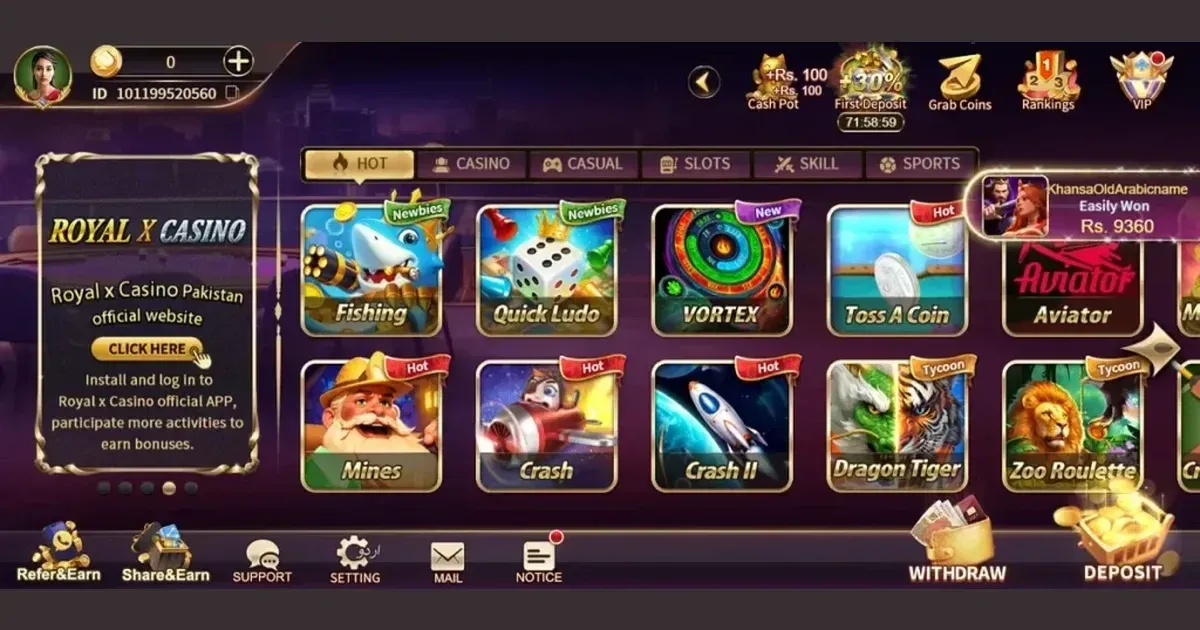
















Royal works in a mobile browser without any download or installation. Open the site in Chrome, Safari or any modern browser on your iOS or Android device and you land on the same account you use on desktop – your balance, your bonuses, your history, all in place.
Getting to Royal from a phone
Access is through the browser, not an app store. Here is the path from a cold start:
- Open your phone's browser and go to royalcasino.net.pl (or the address you normally use on desktop).
- Log in with your existing credentials, or register a new account if you are playing for the first time.
- The site adapts to your screen size automatically – no separate mobile URL, no redirect to a stripped-down version.
- If you play often, add the page to your home screen through your browser's share menu. It opens like an app but remains a browser session.
Because it is a browser session, your saved passwords and biometric logins work in the usual way. There is no APK to sideload and no store listing to find.
What Royal gives you on a small screen
The full cashier is available on mobile – deposits and withdrawal requests go through in the same session without switching to a desktop later. The support channels, including live chat and the 24s Help message button, are reachable from the mobile browser the same way they are on desktop, and the team operates around the clock.
The games library loads from the browser. Slots, table games and live dealer titles are accessible, and the layout shifts to a vertical scroll rather than a horizontal grid. Searching by name or filtering by category works as it does on desktop. Jackpot slots are present in the library but cannot be played with bonus funds, and that restriction applies on mobile just as it does elsewhere.
Verification – uploading your government-issued photo ID, a selfie holding the document, and a recent bank statement or utility bill – can be done by photographing the documents directly with your phone's camera. For players who reach the €5,000 aggregate deposit threshold or make their first withdrawal request, this is a practical benefit: you do not need a scanner.
The cashier on a phone
Withdrawal requests and deposit submissions both complete from the mobile browser. The withdrawal fee structure (an 8% fee with a minimum of €4, waived once you have rolled over your deposit at least once) is unchanged from the desktop version – there is no mobile-specific surcharge or additional step.
Payment method selection and limit entry sit behind a tap rather than a click, and the form fields are sized for touch input. Multi-step flows like MiFINITY or crypto processing ask for the same confirmations they do on desktop; the process is no shorter, just differently shaped on the screen.
Claiming bonuses from a phone
The welcome offer and ongoing promotions are accessible through the mobile browser. One detail worth noting: the 50 free spins on Majestic King that come with your first deposit must be claimed via live chat after depositing – the mobile live chat window handles this in the same session, but it is a manual step rather than an automatic credit. Bonus wagering and the 30-day usage window run identically whether you play on a phone or a desktop.
Where mobile is weaker than desktop
Screen space is the main constraint. Live dealer tables stream well on a modern phone, but the interface around the table – bet history, side-bet panels, chat with the dealer – gets compressed. Players who rely on those details during a session may find a tablet or desktop more comfortable.
Navigating the full game library across 64 providers is slower on a small screen. The filter and search tools work, but browsing by scrolling through a provider's catalogue takes more taps than it would with a mouse. Long loyalty-related menus, such as the VIP tier details or the Loyalty Shop exchange interface, are similarly fiddly.
Battery and data consumption are real on live dealer games specifically. A live blackjack or roulette session streams continuously and will drain a phone faster than slot play. A wi-fi connection is more reliable than mobile data for anything with a live video feed.
A short checklist before your mobile session
- Use a trusted network. Public wi-fi at a café or airport is not the place to log in, enter payment details, or complete verification documents.
- Confirm you are on the correct address before entering credentials – bookmark it on first use rather than relying on a search result each time.
- Set a deposit or session limit before you start if you are playing away from home. Royal's deposit limits (daily, weekly and monthly) and session time limits are reachable from the account settings on the mobile browser, and setting them in advance is easier than adjusting them mid-session.
- Sign out on a shared device. If you are using someone else's phone or a hotel tablet, log out when you finish and do not save credentials in that browser.
- Check your data plan if you are not on wi-fi. Live dealer games in particular consume a steady stream of data; know your cap before a long session.
Responsible play on mobile
A phone is always with you, which makes the habit of checking limits before a session more important, not less. Royal's control tools – deposit limits, loss limits, wagering limits, session timers and reality checks – are all accessible from the mobile browser. If you need a break, the time-out option (minimum six months, with a seven-day cooling-off period) can be activated from the same account settings.
For additional support, BeGambleAware offers free, confidential help online, and GamCare runs a free 24/7 National Gambling Helpline at 0808 8020 133. If you want to restrict access across multiple licensed sites, GamStop provides a free national self-exclusion service. Device-level blocking is available through Gamban and BetBlocker (free, multi-platform). 18+ only. Gambling is entertainment; if it stops feeling that way, the support above is there.
You must be 18 or over (18+) to use this site. Support with gambling is free and confidential at BeGambleAware.org.
Last updated:
Frequently asked questions
Does Royal have a mobile app to download?
Royal runs through a mobile browser rather than a downloadable app. Open the site in Chrome, Safari or any modern browser on your phone and log in with your usual account details – no installation required.
What can I do on Royal from my phone that I can also do on desktop?
The full cashier, live chat support, game library, bonus claims and account verification are all available through the mobile browser. Your balance and bonus status carry across from desktop with no separate login.
How do I claim the free spins on mobile after my first deposit?
After depositing, open the live chat window in your mobile browser and ask the support team to credit your 50 free spins on Majestic King. The chat is available around the clock, but the spins are not added automatically – the live chat step is required.
Which types of games run best on a phone at Royal?
Slots and scratch card titles load quickly and fit the vertical layout well. Live dealer games stream on mobile but use continuous data and compress the interface around the table, so a stable wi-fi connection and a larger screen make them more comfortable.
Game Providers